
What players report
Check that your PC meets the requirements, but do not assume a supported dedicated GPU rules out a crash. Players also report black screens and freezes on dedicated AMD cards. The official news feed checked on October 27, 2026 still returns V8 as its only gameplay patch note. That limited feed does not establish that later builds contain no fixes. Match your symptom and installed build before treating a historical report as current.
The Find The Needle Steam page (external site) requires a dedicated GPU with Vulkan 1.3 and warns that integrated graphics are not supported and may crash. This is a hardware requirement, not a diagnosis of every black screen.
Belts that stop working after loading a save are a separate issue, covered in the conveyor troubleshooting checklist.
Checks to try, in order
These are general PC checks, not fixes confirmed by the developer. Restart the game after each one.
- Compare your PC with the requirements. You need Windows 10 or 11 64-bit and a dedicated GPU with at least 4 GB of VRAM. See the full system requirements.
- Force the dedicated GPU on laptops. In Windows, open Settings > System > Display > Graphics, add the game, and choose High performance. NVIDIA and AMD control panels have similar options.
- Update your graphics driver. Install the latest driver from NVIDIA, AMD or Intel, and check on the maker's site that your card supports Vulkan 1.3.
- Verify the demo's game files. In your Steam library, right-click Find The Needle Demo, then open Properties > Installed Files > Verify integrity of game files. Let the check finish before launching again. These are Steam's file verification steps (external site), not a confirmed fix for this demo.
Tip
If you are on a PC with only integrated graphics, the steps above are unlikely to help, because that setup isn't supported.
The launch error specifically says SSE4.2 is required
A Demo player reports the exact SSE4.2 CPU error (external site) before the game opens. This is a different branch from a black screen after the menu; the report gives no Demo build, and we have not reproduced it.
- Copy the full error and identify the exact CPU model in Windows Settings > System > About.
- Check that model's instruction-set support with its manufacturer, and compare the CPU with the listed requirements. Core count alone does not establish compatibility with this error.
- If the processor lacks the required instruction set, changing graphics settings is not an established solution. We have no verified compatible alternative Demo build or 32-bit release to recommend.
- If the CPU does support it, verify Steam files and report the CPU, Windows version, Demo build and exact message. Do not assume every AMD processor has the same limitation.
Match the check to the failure
| When it fails | What to check next | What it does not prove |
|---|---|---|
| At launch, at 98% loading, or before the menu | Work through the GPU, driver and file checks above. Record whether you ever reach the menu. | A black screen alone does not identify the cause. |
| Intel Arc crashes at launch or during loading | Record the exact card, driver, build and whether the menu appears. The Arc discussion includes B580 and A770 reports; use the hardware/file checks without assuming a universal renderer fix. | Dedicated graphics meeting the listed API/VRAM requirement do not prove stability on every driver. |
| After several minutes, with an AMD driver timeout or all displays going black | Record the exact GPU, driver version, time until failure and driver error. If the menu is accessible, try lower graphics settings as described below. | Meeting the minimum specs does not guarantee stability; one working AMD card does not establish that every card or driver works. |
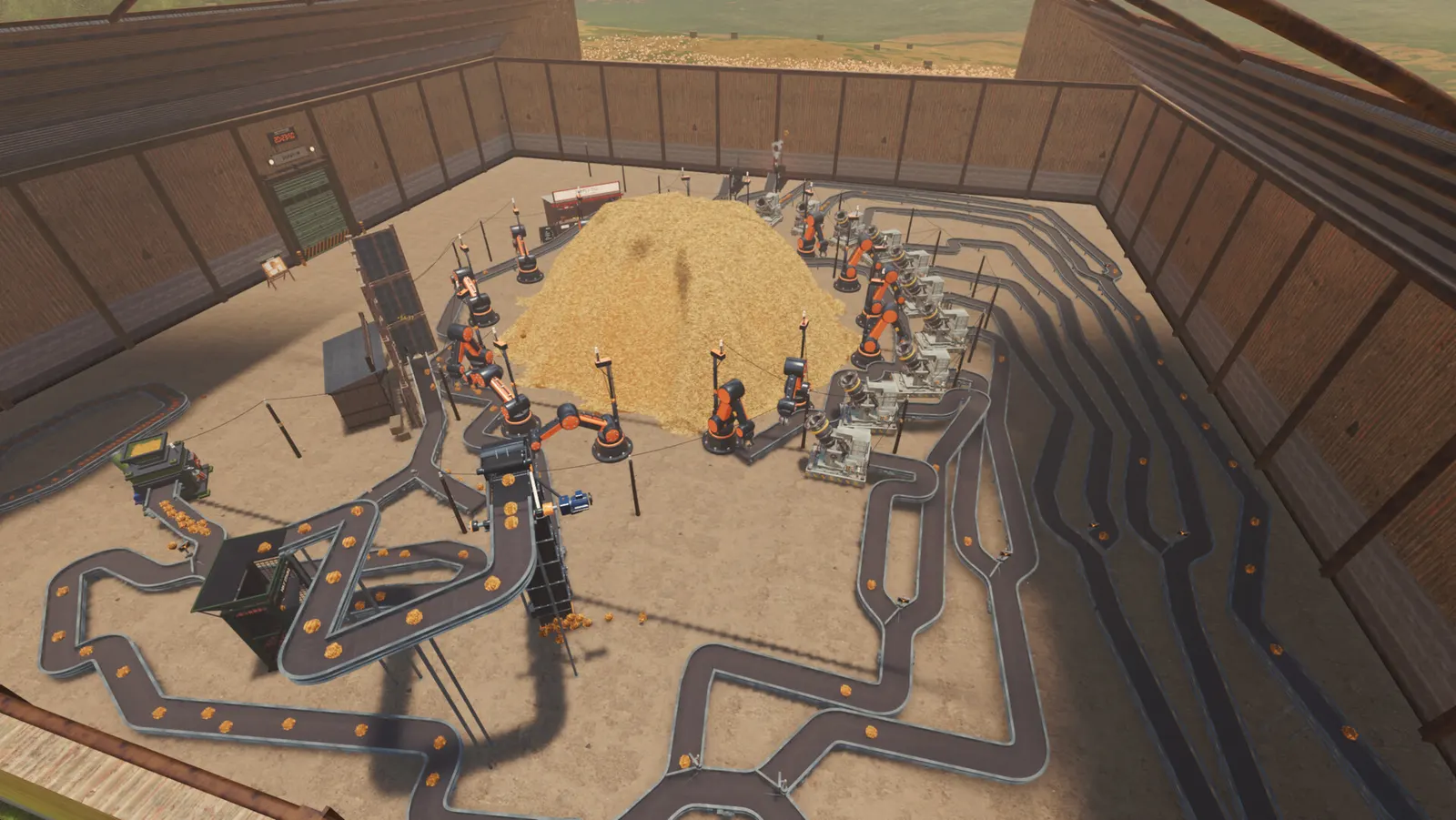
| While loading a pile or looking toward it | Record the selected pile and graphics settings. If you can reach the options, compare a lower setting before retrying that scene. | High CPU use or a crash near the pile does not, by itself, establish a hardware fault. |
| Only the belts stop after loading a save | Use the conveyor connection and power checklist. | A stopped belt is a different symptom from the game or PC freezing. |
In the October 6–8 AMD crash discussion (external site), players report both driver timeouts on dedicated cards and other AMD setups running without problems. The reports do not establish a single cause or a driver version that fixes the problem for everyone.
In the October 3–24 Intel Arc discussion (external site), separate players describe B580 and A770 crashes; a later reply still reports failure at the end of loading. The A770 player reports failure with both Vulkan and Direct3D 12. A suggested launch option in that thread is not a confirmed repair for all builds or cards.
A settings test if you can reach the menu
Players in a complete-freeze discussion (external site) suggest reducing graphics settings, especially render distance and straw thickness. One participant in the AMD thread also reports being able to play after lowering settings and restarting. These are player suggestions, not developer-confirmed fixes, and their installed build numbers were not supplied.
- Note your current settings so you can restore them.
- If the menu is accessible, lower the graphics options; try the render-distance and straw-thickness settings mentioned by players if they are present in your build.
- Restart the demo and retry the same scene. Record whether the failure moves, disappears or stays the same.
- If you cannot reach the menu, skip this test and include that limitation in your report.
This test does not require deleting your save or starting over. Community renderer launch options have not been verified for this demo here, so they are not presented as confirmed fixes.
If nothing works
Post in the Find The Needle Steam discussions (external site) or the Discord server linked from the Steam page. Include your GPU and VRAM, driver version, Windows version, demo build if shown, selected pile, graphics settings, time until failure and exact error text. Also say whether you use a mod; if you do, compare with the original configuration restored before attributing a modded crash to the unmodified Demo. Say whether only the game closes, the driver resets, or the entire PC becomes unresponsive, and list the checks you already tried.
This page will be updated when an official fix is announced.