
Can your PC run it?
You need 64-bit Windows 10 or 11 and a dedicated graphics card that supports Vulkan 1.3 with at least 4 GB of VRAM. The Find The Needle Steam page (external site) says integrated graphics are not supported and may crash.
| Part | Minimum | Recommended |
|---|---|---|
| OS | Windows 10 64-bit | Windows 11 64-bit |
| CPU | 4 cores / 8 threads: Intel i5-8400 or Ryzen 5 2600 | 6+ cores: Ryzen 5 5600 or Intel i5-12400 |
| Memory | 8 GB RAM | 16 GB RAM |
| GPU | Dedicated, Vulkan 1.3, 4 GB VRAM: GTX 1050 Ti or RX 570 | GTX 1660 Super or RTX 2060, 6 GB VRAM |
| Storage | 2 GB | 2 GB |
Graphics card and Vulkan 1.3
The GPU line is the one most likely to rule a PC out. Laptops often run games on the integrated chip by default, even when a dedicated GPU is present. If your laptop has both, make sure the game uses the dedicated one. The steps are in the crash and black screen guide.
To check Vulkan 1.3 support, look up your card on the GPU maker's website and install the latest driver. The listed minimum cards, GTX 1050 Ti and RX 570, give a rough idea of the level needed.
Why the CPU matters later
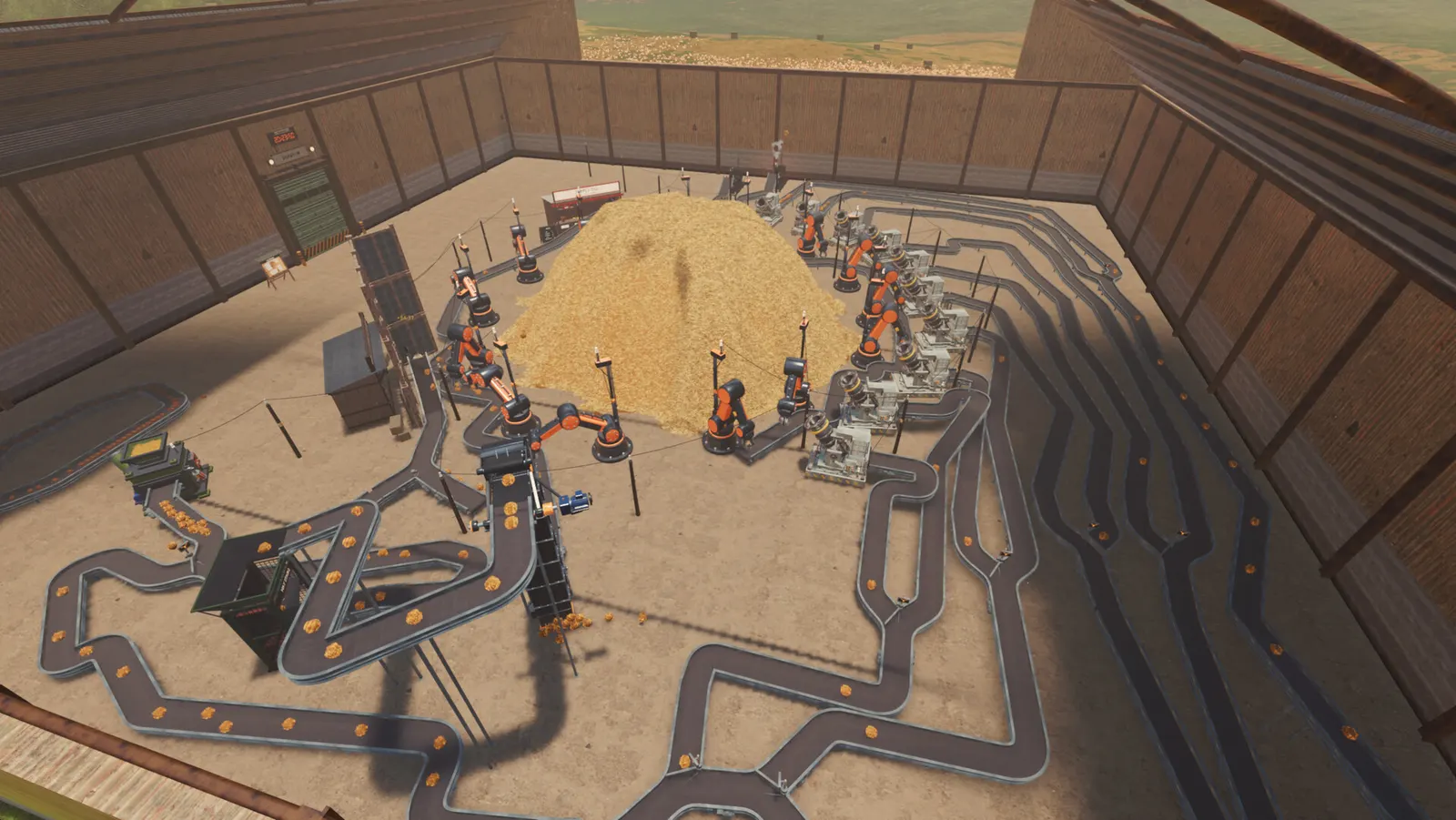
The developer notes that big factories are CPU-heavy and that a faster processor keeps the frame rate up late in the game. One player also reports stutter once there are more than 500 bales in the yard. That is a single report and has not been confirmed.
Mac, Linux, Steam Deck, controllers and VR
| Question | Status |
|---|---|
| Mac or Linux | No version listed. Windows only. |
| Steam Deck | Not confirmed. No Deck compatibility rating has been announced. |
| Controller | Not confirmed. One Legion Go player reports limited controller support. |
| VR | Not confirmed. Players have asked, but the Steam page lists no VR support. |
This page will be updated when any of these change.